Transaction verification is the simplest way to understand where your transfer is “located” right now: whether it has already been included in a block, how many confirmations it has, what network fee was paid, and whether the funds reached the recipient. This matters not only for wallet‑to‑wallet transfers, but also for exchange operations: when you perform a fiat to crypto exchange, buy USDT, or compare where to buy Bitcoin cheaply, it is natural to want a transparent on‑chain path of funds. This is exactly what a blockchain explorer provides. In this article, we will break down how to verify a transaction step by step, what each status means, how to read explorer pages correctly, and how these skills help you compare top crypto exchanges, identify the best crypto exchange in practice, and choose reliable crypto exchangers without guesswork.
What is a blockchain explorer and why you need it
A blockchain explorer is a service that displays public network data: blocks, transactions, addresses, fees, mempool status, and the number of confirmations. Unlike “screenshots in chat,” an explorer is a neutral source: it reads information directly from the blockchain or from indexed full nodes.
For users who perform fiat to crypto exchange or work with USDT exchangers, an explorer is a control tool. It helps you:
- confirm that a transaction was actually created (TXID/hash exists);
- check whether it has been included in a block (confirmations);
- assess whether the fee is sufficient or the transfer is stuck in the mempool;
- detect mistakes such as a wrong network, wrong address, or duplicated transaction;
- better compare top crypto exchanges and identify the best crypto exchange by transparency and speed.
What data you need to verify a transaction
Most of the time, one of the following three parameters is enough:
- TXID (Transaction ID) — the unique transaction hash and the most precise identifier.
- Wallet address — convenient if the TXID is not at hand; you will see all inbound and outbound operations.
- Block number — useful for deeper analysis when you already know the block.
Tip: if you use an exchange service, ask support for the TXID. This increases transparency and helps distinguish reliable crypto exchangers from services that “stall” without explanations. When compiling your own list of top crypto exchanges, TXID availability is a basic criterion.
Step by step: how to check a transaction in an explorer
Step 1. Make sure you selected the correct network
Transactions are not universal across networks. For example, USDT exists on multiple networks (Ethereum, Tron, BSC, and others). If you open an explorer for the wrong network, the TXID may not be found. During fiat to crypto exchange, this happens more often than it seems: the user pays on one network while the order specifies another.
To avoid mistakes, always verify:
- the network selected in your wallet/exchange when sending;
- the network required by the service (especially for USDT exchangers);
- the address format (it may hint the network, but not always reliably).
Step 2. Paste the TXID or address into the search
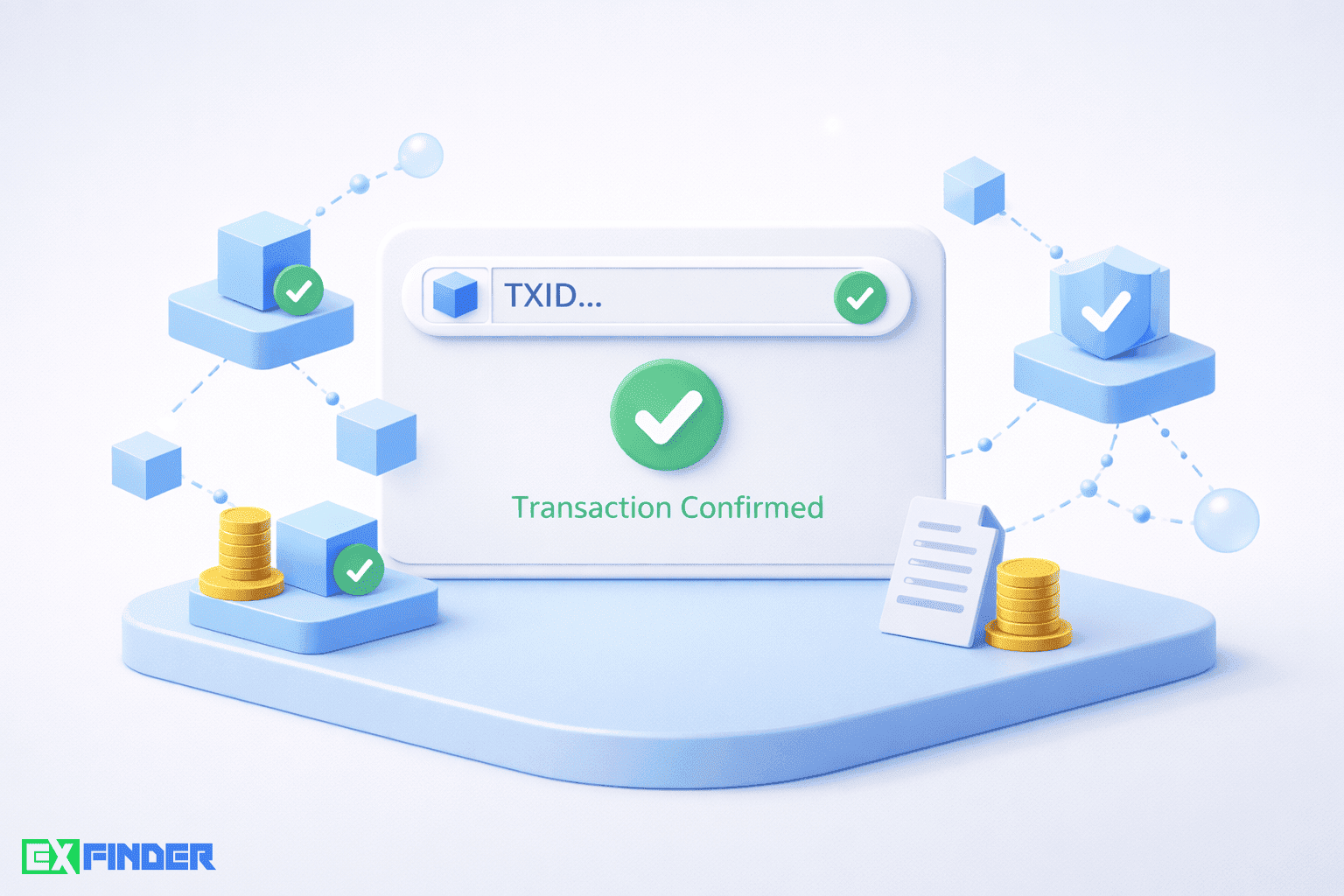
Paste the TXID (best option) or the wallet address into the explorer search field. You will see a page with transaction details: status, time, fee, sender/recipient, amount, and technical fields that depend on the network.
Step 3. Understand the status: Pending, Success, Failed
The most common states are:
- Pending / Unconfirmed — the transaction is in the mempool and not yet in a block. The usual reasons are low fees or high network load.
- Success / Confirmed — the transaction is in a block and has confirmations. More confirmations mean higher finality.
- Failed / Reverted — the transaction did not execute (often in smart‑contract networks). Note: the network fee may still be charged.
If you are looking for where to buy Bitcoin cheaply and after payment the service says “wait for confirmations,” the explorer shows the truth: whether the transaction exists, how many confirmations it has, and whether it failed.
Step 4. Check the number of confirmations
Confirmations are the number of blocks added after the block that contains your transaction. In Bitcoin, the typical reference range is 1–6 confirmations (depending on the amount and service policies). Other networks differ due to different block times.
If a service credits funds only after a certain number of confirmations, this is not necessarily “bad.” For reliable crypto exchangers, it is often risk management against double‑spend and network instability.
Step 5. Evaluate the fee and inclusion speed
Fees are critical when a transaction is “stuck.” The explorer can show:
- the actual fee paid in the network’s native coin;
- fee/size ratios (for example, sat/vB in Bitcoin);
- priority estimates relative to the mempool.
When users aim for a low exchange fee at the service level, they sometimes set the on‑chain fee too low — and then fiat to crypto exchange is delayed. A good explorer helps you see whether the fee matches current network conditions. Remember: a low exchange fee at the service and the on‑chain network fee are different things.
Step 6. Match addresses and amounts
Verify that the recipient address in the explorer matches the address you used in the order. Also compare the amount. For token networks, explorers show separate Transfer events with the exact token and quantity.
This step matters if you are selecting the best crypto exchange and want to ensure the service sends exactly what was promised on the correct network. This is how practical criteria for top crypto exchanges are formed.
Typical situations and what to do
1) TXID is not found
The most common reasons:
- you opened the wrong network explorer;
- the transaction has not been broadcast yet;
- the TXID was copied incorrectly.
If this happens during fiat to crypto exchange, request confirmation from the service and double‑check the network. Reliable crypto exchangers usually provide the correct hash quickly.
2) Pending for too long
This means the transaction is in the mempool. The reasons are low fees or congestion. Some wallets support fee bumping or replacement (network‑dependent). If you are deciding where to buy Bitcoin cheaply, note that during peak times even “normal” fees may be insufficient.
When evaluating services for low exchange fee, consider not only the service fee but also expected network costs, because they determine the actual speed.
3) Failed / Reverted
In smart‑contract networks, a transaction may fail due to execution errors or insufficient gas limits. If you were buying tokens or using USDT exchangers, verify that this was a token transfer and not a failed contract interaction. Reliable crypto exchangers do not leave clients with such statuses without explanations and options.
4) Confirmed but “not credited”
If the explorer shows Success and the correct address, but the balance is not updated, the cause may be wallet UI delays, interface issues, or additional confirmation thresholds on the service side. Here the explorer is your proof. For users choosing the best crypto exchange, this is also a signal of whether the service has clear crediting rules and responsive support.
How online exchangers work and why explorers matter during exchanges
Online exchangers accept one asset and release another (crypto↔crypto, fiat↔crypto, fiat↔fiat). In fiat to crypto exchange, bank rails and cards are off‑chain, while issuance happens on‑chain. That is why the explorer becomes the “second half” of control.
- The user creates an order and receives details.
- The user pays fiat or sends crypto.
- The service verifies internally and creates the outgoing on‑chain transaction.
- The user receives a TXID and checks the status in the explorer.
When comparing top crypto exchanges, always check whether the service provides TXIDs quickly and without friction. This behavior is typical of reliable crypto exchangers and helps distinguish the best crypto exchange from average options.
Comparing exchangers: what to look at beyond the rate
After you learn to verify transactions, it makes sense to choose services more deliberately. When users ask where to buy Bitcoin cheaply, they often focus only on the rate. Real value is the rate + speed + support + transparency + low exchange fee (total cost).
| Service type (example) | Fee | Processing time | Available currencies | User rating | Transparency (TXID/confirmations) |
|---|---|---|---|---|---|
| Classic online exchanger | Medium, often included in the rate | 5–60 minutes (network‑dependent) | Crypto↔crypto, fiat to crypto exchange | High with stable support | Usually provides TXID and status |
| Aggregator platform | Low/medium, partner‑dependent | Minutes to hours | Wide range, many USDT exchangers | Varies by partner | Varies; user control required |
| Cash/offline via online order | Often higher due to risks | Appointment + network time | Fiat↔crypto | Stable in vetted cities | TXID is critical |
The table is a guideline. This is why listings of top crypto exchanges exist: to compare real parameters and user feedback rather than promises.
Pros and cons of exchangers from a transaction perspective
Pros
- Fast start: you can complete a fiat to crypto exchange within minutes when speed matters.
- Flexible routes: popular USDT exchangers and pairs for users deciding where to buy Bitcoin cheaply.
- Transparency: the best crypto exchange provides TXIDs, explains confirmations, and does not hide fees.
- Competition: top crypto exchanges keep total costs competitive, including low exchange fee.
Cons
- Network dependence: even reliable crypto exchangers cannot speed up a congested blockchain.
- Network mistakes: wrong network for USDT or wrong address complicates recovery.
- Opaque terms: some services delay TXIDs or explanations.
- Scams: fake “exchangers” exist and imitate workflows.
How to choose the best crypto exchange: a practical checklist
The question “how to choose an exchange” usually boils down to balancing rate, reliability, speed, and support. Below is a checklist to select the best crypto exchange in real conditions and to build your own list of top crypto exchanges.
1) Transaction transparency
Choose reliable crypto exchangers that:
- provide TXIDs without repeated requests;
- clearly explain how many confirmations are required;
- do not confuse networks (crucial for USDT exchangers).
2) Real reviews and reputation
In listings, check service history, frequency of negative cases, and support quality. This is especially relevant for large fiat to crypto exchange amounts or regular users searching where to buy Bitcoin cheaply.
3) Fees: service vs on‑chain
Low exchange fee sounds attractive, but look wider:
- whether the fee is included in the rate and how it is shown;
- who pays the on‑chain fee on withdrawals;
- whether there are minimums or hidden markups.
4) Speed and processing rules
Top crypto exchanges usually publish time frames such as “5–15 minutes after 1 confirmation” or “issuance after fiat credit.” If a service promises “instant” without conditions, verify.
5) Support and resolution scenarios
Ask yourself: if a transaction is Pending for 2 hours, what happens next? Reliable crypto exchangers have procedures: explanation, TXID checks, network guidance, sometimes alternatives.
Tips to avoid scams
Scammers exploit urgency: “last rate,” “send now.” If you are deciding where to buy Bitcoin cheaply or making your first fiat to crypto exchange, stick to basics:
- Verify the domain and design: phishing copies differ by one letter.
- Do not trust “TXID in text”: open it in an explorer and verify amount and address.
- Confirm the network: crucial for USDT exchangers.
- Be skeptical of unrealistically good rates.
- Use listings: top crypto exchanges in listings are filtered by reviews and history.
- Save details: order screenshots, time, amount, address, TXID.
Mini‑guide: how to read a transaction page
Explorer pages show many fields. Read them in plain terms:
- Timestamp — when the transaction was created or included.
- From / To — sender and recipient addresses (for tokens, see Transfer).
- Value — amount received; tokens are shown separately.
- Fee — network fee (not the same as low exchange fee at the service).
- Confirmations — how many blocks confirmed the transaction.
- Status — success/pending/failed.
With explorer literacy, it is easier to choose reliable crypto exchangers and justify rankings of the best crypto exchange in top crypto exchanges listings.
Why users “do not see” transactions and confuse explorers
Sometimes the issue is not the service but how the user searches. Common mistakes include:
- searching TXID in an explorer of another network (often with USDT exchangers);
- confusing deposit addresses with personal wallet addresses;
- assuming that card charge means crypto is already on‑chain (fiat to crypto exchange works in stages);
- expecting instant credit with very low on‑chain fees.
Therefore, if you are deciding where to buy Bitcoin cheaply, learn to verify a transaction in 30 seconds — and you will feel more confident.
FAQ
1) How long can a transaction stay Pending?
There’s no single timeframe because it depends on the network, current congestion, and the fee you set. When fees are too low, a transaction can remain in the mempool for a long time. A blockchain explorer helps you estimate whether your transaction is likely to be included soon by showing fee levels of recently confirmed blocks and your transaction’s priority. This matters during fiat-to-crypto exchanges as well: the explorer lets you distinguish network delays from service processing time.
2) Why do exchangers require 2–6 confirmations?
This is part of risk management. More confirmations reduce the chance of reorgs or double-spend issues. For larger amounts or during periods of network instability, services may require more confirmations. Reliable crypto exchangers communicate these thresholds upfront, and top crypto exchangers usually show confirmation requirements before you submit an order to avoid misunderstandings.
3) Can I cancel a transaction after sending it?
In most networks, confirmed transactions cannot be canceled. For unconfirmed transactions, some wallets support fee bumping or replacement mechanisms, depending on the network and wallet features. Keep in mind that chasing low fees on exchange at the on-chain level can backfire: if the network fee is set too low, your transaction may stick in the mempool much longer.
4) How do I verify a USDT transfer correctly?
First, identify the network (Ethereum, Tron, BSC, etc.). Then open the correct explorer for that network and search by TXID. On the transaction page, check token transfer events to confirm the exact USDT amount and recipient address. This step is critical when using USDT exchangers, especially during fiat-to-crypto exchanges, because the same token exists on multiple networks.
5) Why does my wallet balance differ from what the explorer shows?
Wallet interfaces may update balances with a delay or display pending states differently. The explorer reflects the on-chain state as it is. If there’s a discrepancy, trust the explorer for final status. When choosing the best crypto exchanger, rely on on-chain verification rather than a generic “sent” message in the interface.
6) How can I tell if a service is truly reliable?
Watch how the service behaves in edge cases: do they provide TXIDs promptly, explain confirmation requirements clearly, and guide users to the correct network for USDT? Reviews and dispute resolution quality in listings matter. If your goal is to find where it’s best to buy Bitcoin, choose reliable crypto exchangers with transparent rules and predictable support, and always verify every step in the explorer.
Conclusion
A blockchain explorer puts the facts back in your hands. Instead of guessing what happened to a transfer, you can verify the exact status, confirmation count, network fee, sender and recipient addresses, timestamps, and on-chain events. This is especially critical when you perform a fiat-to-crypto exchange, work with USDT exchangers across different networks, or compare where it’s most выгодно купити Bitcoin. By checking the explorer, you separate network-level delays from service-level processing and avoid unnecessary stress during periods of congestion. Consistent explorer checks also help you assess service quality: the best crypto exchangers don’t hide TXIDs, clearly communicate confirmation requirements, and guide users when transactions are pending or reverted.
Make explorer verification part of your routine. Keep TXIDs, timestamps, and addresses for every order; confirm the network before sending; and sanity-check fees against current network conditions. When you compare top crypto exchangers, put transparency on par with the rate: low fees on exchange are meaningless if the on-chain fee is set too low and your transfer stalls in the mempool. Reliable crypto exchangers publish TXIDs promptly, don’t mix networks for USDT, and explain each step of the process in plain language. In short, verify everything on-chain, filter listings by transparency, speed, and real total cost—not just headline rates.